



1-Click Wholesale Claims Management Inside Shopify Admin
The biggest complaint direct-to-consumer shoppers have with third-party insurance apps (like Route or Seel) is the claims experience:
- Shoppers are forced onto an external portal requiring separate logins.
- Customers are asked to submit police reports or wait 7 to 10 business days while an offshore claims adjuster investigates.
- Frustrated shoppers take out their anger by leaving 1-star reviews on your brand’s social media ads and Google profile.
Supercart replaces this broken experience with 1-Click Wholesale Claims Management executed directly inside your native Shopify Admin.
1. The 3-Step Instant Resolution Workflow
Because you own the protection reserve fund 100%, you have total autonomy to delight your customer instantly.
Step 1: Customer Contacts Your Support Team (Email / Gorgias / Zendesk)
  │
  ▼
Step 2: Support Rep Checks Shopify Order for 'Shipping Protection' Line Item
  │
  ▼
Step 3: Click 'Duplicate Order' ──> Apply 100% Replacement Discount ──> Fulfill
  │
  ▼
Customer Receives Tracking Number in 5 Minutes! Five-Star Customer Experience.
Step 1: Verify the Protection Line Item
When a customer reaches out reporting that tracking has stalled or a package was stolen from their porch:
- Search the customer’s name or order number in Shopify Admin → Orders.
- Confirm that the order contains the Order Protection / Shipping Protection line item.
Step 2: Create the Replacement Order
- Inside the Shopify order screen, click More Actions in the top-right corner.
- Select Duplicate.
- Shopify generates a clean draft order containing the identical product variants and shipping address.
Step 3: Apply the 100% Replacement Code & Dispatch
- Under the Discount field, enter a 100% discount code (e.g.,
PROTECTION-REPLACEMENTor custom draft discount). - Mark the order as paid ($0.00 balance).
- Click Create Order.
Your warehouse or 3PL receives the replacement immediately, and your customer gets an automatic Shopify shipping confirmation email within minutes.
3. Extra Services & Shipping Claim Settings
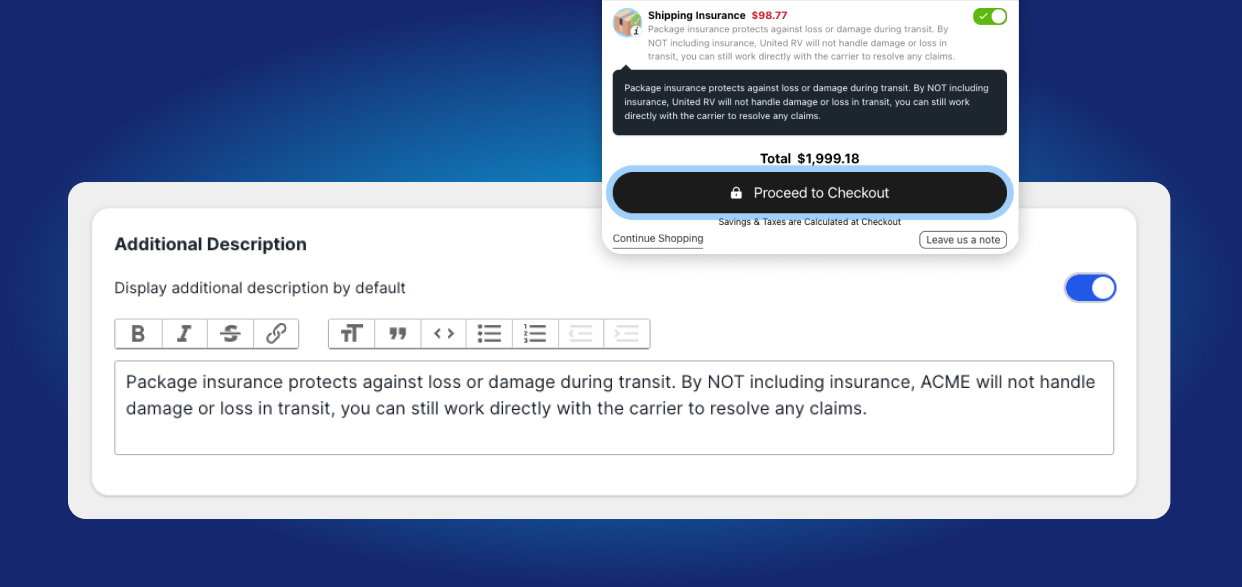
Configure your customer-facing claim policy URL, auto-fulfillment triggers, and replacement rules:
4. Financial Tracking & Reserve Fund Auditing
How do you account for replacement orders in your bookkeeping?
Because replacements are fulfilled at your wholesale Cost of Goods Sold (COGS) plus carrier postage:
- Log replacement orders under a dedicated Shopify tag:
claim:shipping_protection. - At the end of the month, calculate total replacement wholesale costs against your Supercart collected protection fees.
Benchmark Store Metrics:
- Monthly Collected Fees:
$6,500 - Total Claims Resolved (22 orders):
$484 wholesale COGS + $154 postage = $638 total cost - Net Retained Margin:
$5,862 profit retained (90.2% margin)
You turned what used to be a frustrating carrier dispute into a +$5,862 monthly profit engine while creating lifelong customer loyalty.