



Product Bundles & ‘Complete the Routine’ In-Cart Kits
Single-item upsells are great, but curated product bundles transform average order values.
When a customer buys a skincare serum, they don’t just want the serum—they want clear skin. By offering the complete 3-step routine (Cleanser + Serum + Moisturizer) directly inside the cart drawer with an attractive bundle savings incentive, you convert a $35 sale into a $95 order.
Supercart’s Product Bundles Engine (cart_bundle_v2) allows you to build multi-item kits that customers can add with a single tap.
1. Video Walkthrough: In-Cart Product Bundles & Starter Kits
Watch how to create multi-item kits, bundle discounts, and “complete the look” upsells:
2. How In-Cart Bundles Differ from Standard Apps
Most Shopify bundle apps create confusing dummy products or clunky separate checkout scripts that break inventory tracking.
Supercart handles bundles natively:
- True Shopify Line Items: Each item in the bundle is added to the cart as an authentic product variant, preserving accurate 3PL warehouse inventory tracking.
- 1-Click Multi-Item Addition: The shopper clicks “Add Bundle” once, and Supercart executes an atomic multi-item payload to
/cart/add.js. - Dynamic Remaining Item Detection: If the customer already added the primary jacket to their cart from the product page, Supercart detects the partial bundle and displays only the remaining complementary items (e.g. “Complete the kit: Add the matching gloves and beanie for 20% off”).
3. Setting Up an In-Cart Bundle
Step 1: Create the Bundle in Supercart
- Inside the Supercart editor, add a Product Bundle block.
- Select 2 to 4 complementary products that form a cohesive kit (e.g. Camera + Lens Cap + Extra Battery).
- Set your bundle title: e.g., “Complete the Cold-Weather Kit & Save 15%”.
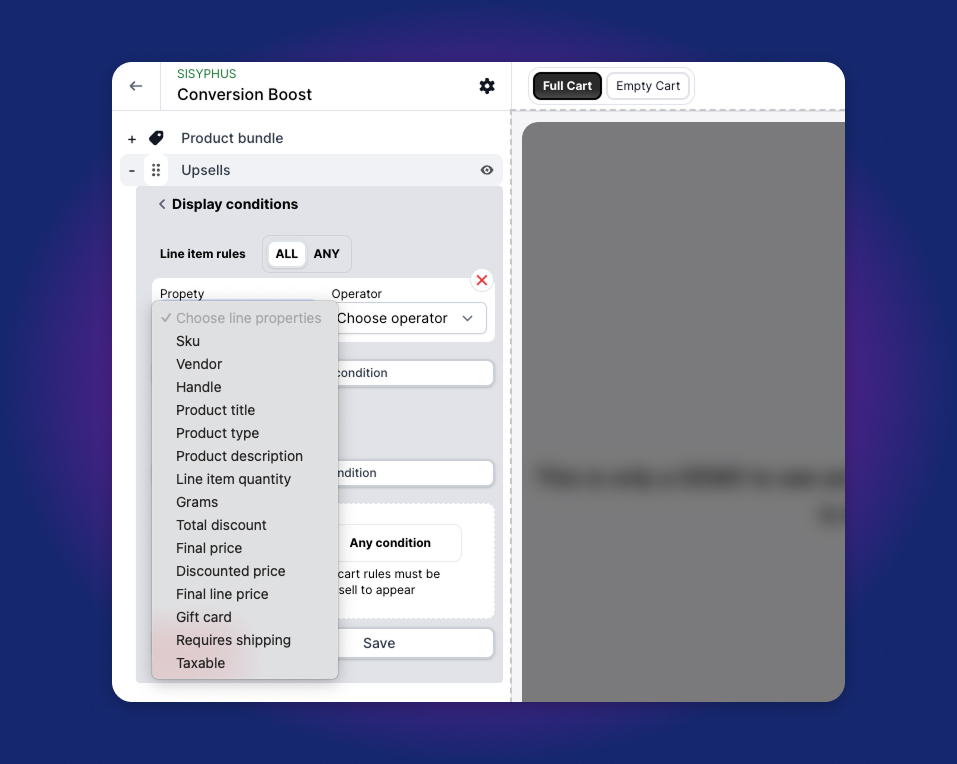
Step 2: Configure Display Conditions (Cart Rules)
Make sure the bundle only displays to relevant shoppers:
- Group 1 Rule: Cart contains an item with
Product Type = "Snowboard"orCollection = "Jackets". - This ensures winter gear bundles are never shown to someone shopping for summer swimsuits.
Step 3: Bundle Discount & Savings Badges
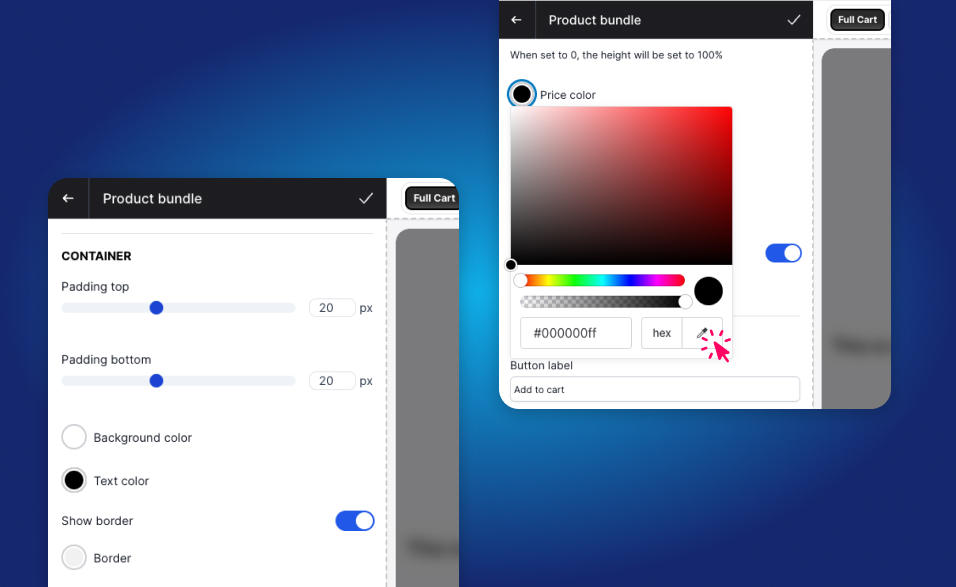 Clearly display the total bundle price alongside the calculated savings:
- Display the combined retail value crossed out:
~~$140.00~~ $112.00. - Supercart calculates and displays the net dollar savings: “You save $28.00 when bought together!”