



In-Cart Coupon Box & Instant Discount Validation
In standard Shopify themes, the discount code field is hidden away on the final checkout payment page.
This creates a massive conversion leak:
- The customer sees a subtotal of $80 and wonders: “Where do I enter my coupon code?”
- They open a new browser tab to search Google or coupon aggregators (Honey, RetailMeNot).
- They get distracted by competitor ads or encounter broken, expired codes.
- Over 27% of shoppers abandon the session entirely.
Supercart’s In-Cart Coupon Box (discount_code) allows customers to enter, validate, and apply promotional codes directly inside the slide drawer.
1. Instant Client-Side AJAX Validation
When a customer enters a coupon code in the Supercart drawer:
- Supercart verifies the code against Shopify’s discount engine via background AJAX in under 200ms.
- If Valid: The subtotal recalculates immediately, showing the applied discount pill (e.g.
WELCOME10 (-$8.00) [x]). - If Invalid or Expired: A polite inline error displays (“Code not valid for items currently in your cart”) without refreshing the page or clearing the customer’s inputs.
2. Seamless Checkout Carry-Over
One of the biggest flaws with makeshift third-party discount apps is that the applied code fails to pass through to the final Shopify checkout.
Supercart guarantees 100% carry-over:
- When the customer clicks “Checkout”, Supercart appends the active discount code to the checkout permalink (
?discount=CODE). - The customer arrives on the Shopify payment screen with the discount already applied and calculated, ensuring a smooth, frictionless purchase.
3. Visual Editor Configuration & Styling
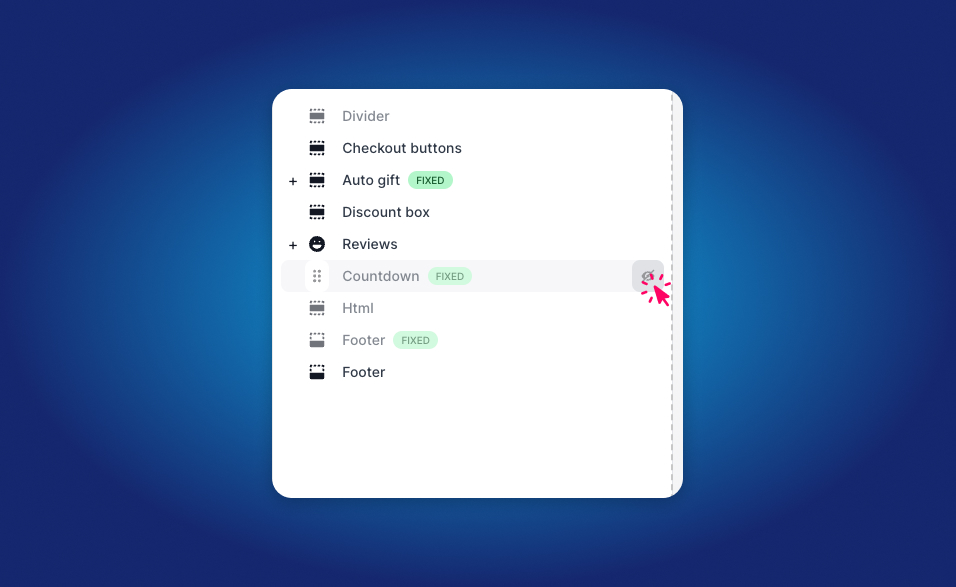
Configure how the coupon input appears to shoppers:
- Inside the Supercart Visual Editor, add the Discount Code Box block.
- Choose between:
- Collapsible Toggle (Recommended): Displays a subtle “Have a promo code?” link that expands on click to conserve vertical space.
- Always Visible Input: Shows an open input field with an “Apply” button.
- Customize placeholder copy (e.g. “Enter promo code…”) and button colors to match your brand palette.