



Auto-Fulfillment Automation for 3PL Warehouses
One of the biggest operational friction points when selling virtual add-ons (such as Shipping Protection, Rush Processing, Extended Warranties, or Donations) is warehouse logistics.
If virtual line items are left unfulfilled in Shopify:
- Orders get stuck in “Partially Fulfilled” status.
- Warehouse management systems (ShipStation, ShipBob, Whiplash, Deliverr, Red Stag) flag the order as incomplete.
- Pickers waste time walking warehouse aisles looking for a physical “Shipping Protection” box that does not exist.
Supercart solves this operational headache completely with our Native Auto-Fulfillment Engine.
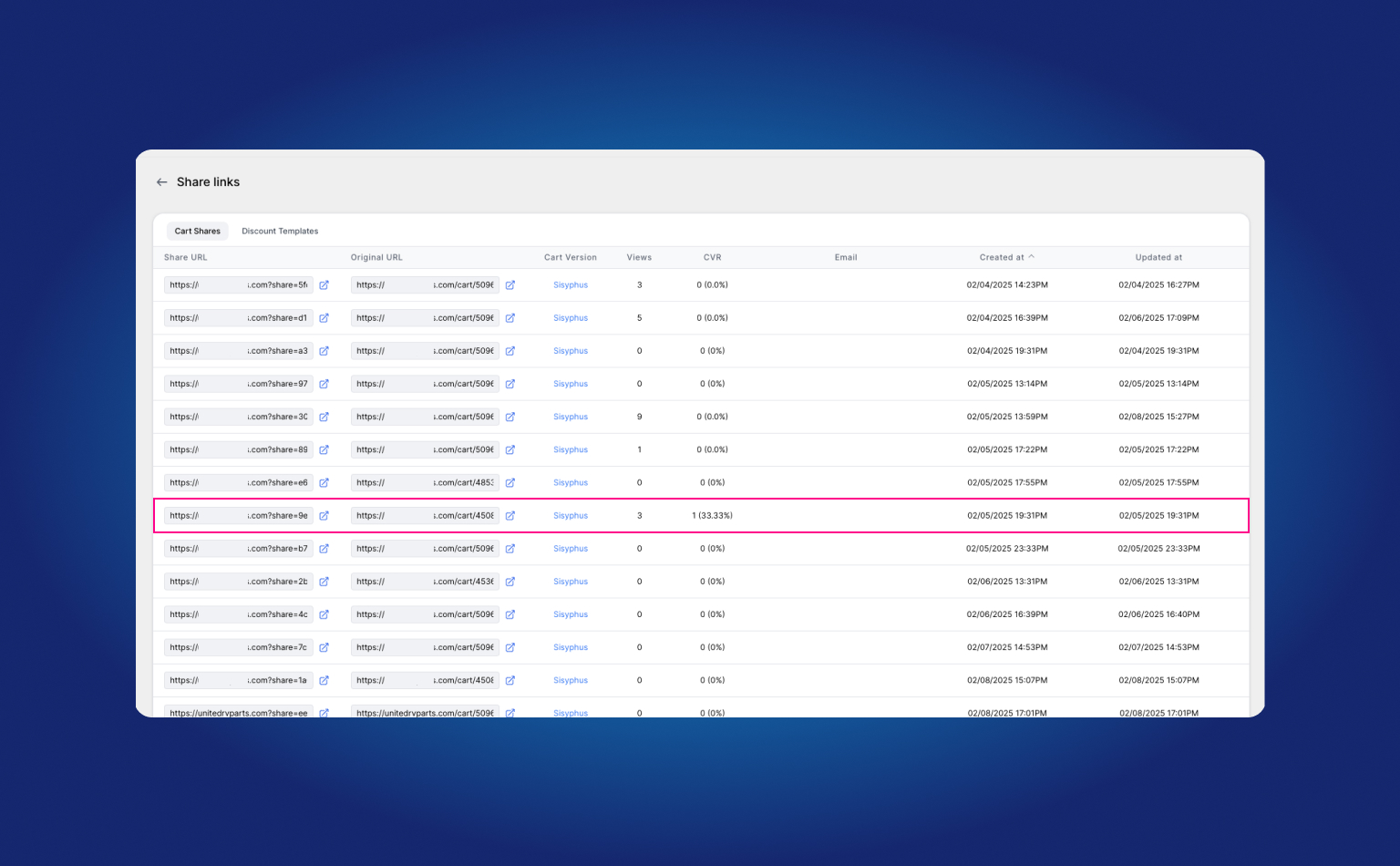
1. How Auto-Fulfillment Operates Under the Hood
Supercart integrates directly with Shopify’s modern Fulfillment Orders API to automatically close out virtual line items the moment an order is paid:
Customer Completes Checkout
  │
  ▼
Shopify Fires 'orders/paid' Webhook
  │
  ▼
Supercart Enqueues 'ManualFulfillOrderJob' (Sub-second execution)
  │
  ▼
Shopify Fulfillment Orders API Marks Virtual Services as 'Fulfilled'
  │ (Customer Notification: Suppressed / Tracking: None)
  ▼
3PL Warehouse Receives Clean Order with Only Physical Products to Pack!
2. Technical Architecture & Shopify API Integration
Supercart registers as an official, dedicated Shopify Fulfillment Service:
# Supercart Fulfillment Service Configuration (Rails Backend)
fulfillment_service = ShopifyAPI::FulfillmentService.new
fulfillment_service.name = "supercart"
fulfillment_service.fulfillment_orders_opt_in = true
fulfillment_service.requires_shipping_method = false
fulfillment_service.inventory_management = false
fulfillment_service.permits_sku_sharing = true
fulfillment_service.tracking_support = false
When an order containing an extra service is paid:
- Supercart creates an automated fulfillment record with
status = "success". - Customer notifications are suppressed (
notify_customer = false): Shoppers never receive confusing separate “Your shipping protection has shipped!” emails. - No tracking numbers are generated (
tracking_number = nil): Keeps fulfillment analytics clean and accurate. - The remaining physical merchandise is left unfulfilled for your warehouse crew or 3PL integration to pick, pack, and label normally.
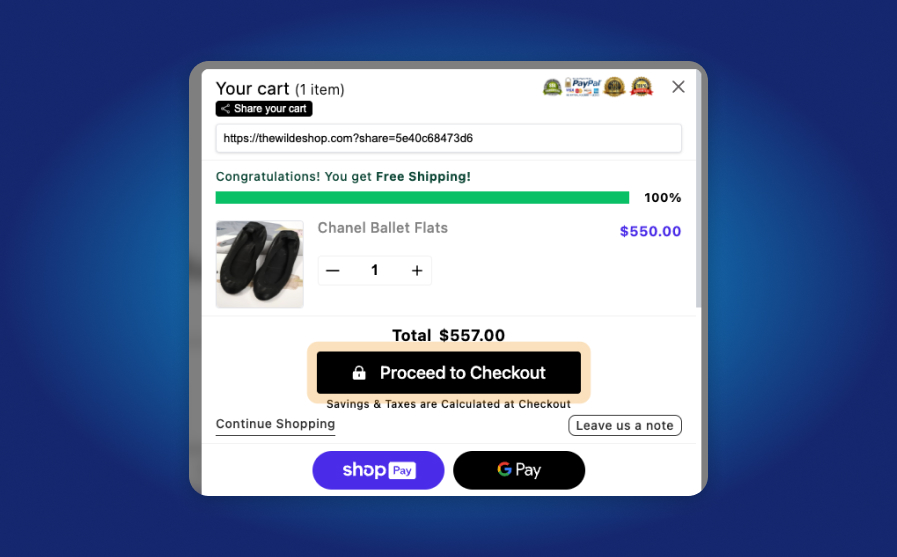
3. How to Enable Auto-Fulfillment
Enabling auto-fulfillment takes just one click:
- Inside your Supercart Merchant Dashboard, navigate to Settings → Account Settings.
- Scroll to the Fulfillment & Logistics section.
- Toggle the Auto-Fulfillment switch to ON.
- Click Save Changes.
From that moment forward, every virtual service line item purchased through Supercart will be marked fulfilled automatically within seconds of payment capture.
4. 3PL Compatibility List
Supercart’s auto-fulfillment engine is tested and certified compatible with all leading third-party logistics (3PL) and warehouse management software:
- ShipStation
- ShipBob
- Whiplash / Ryder E-Commerce
- Deliverr / Flexport
- Red Stag Fulfillment
- Quiet Logistics
- Shopify Fulfillment Network (SFN)
- Custom ERP integrations (NetSuite, Acumatica, Brightpearl)