



1-Click In-Cart Upsells & Shopify AI Recommendations
The most effective time to upsell a customer is when their wallet is already open and their intent to purchase is at its peak.
Traditional post-purchase popups often feel aggressive and cause checkout hesitation. Supercart’s In-Cart Upsells integrate naturally into the slide drawer as subtle, complementary product cards.
Shoppers can select their desired variant and add the item with a single tap—instantly lifting your Average Order Value (AOV) by 12% to 28% without redirecting the customer away from the drawer.
1. Choosing Your Upsell Strategy
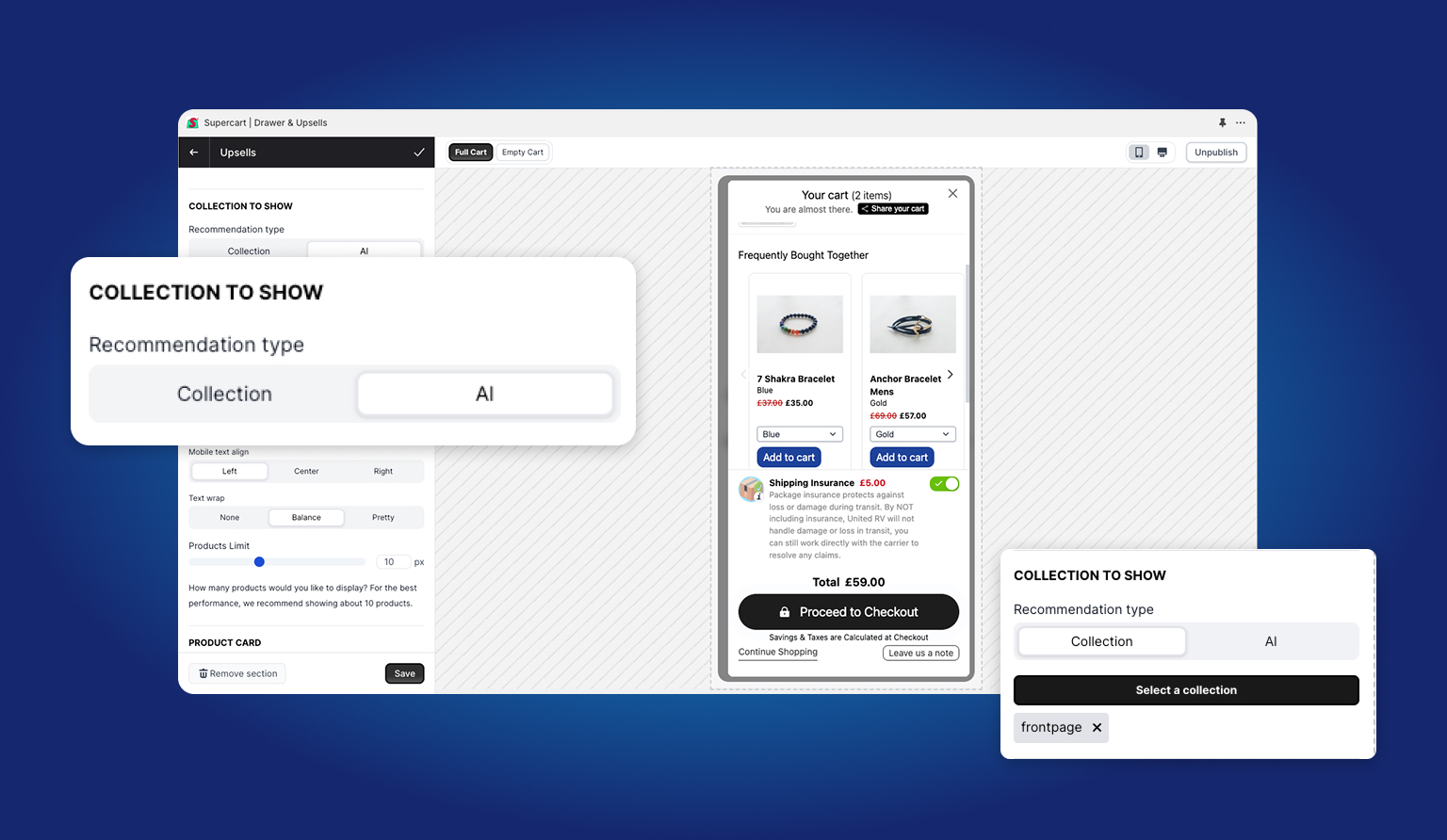
Supercart gives you two powerful product sourcing engines:
A. Static Curated Collections
Choose a specific Shopify collection (e.g., “Cart Add-Ons”, “Accessories Under $25”, or “Best Sellers”).
- Total Merchandising Control: Perfect when you know exactly which high-margin accessories pair best with your catalog.
- Predictable Margins: Feature items with high inventory levels and healthy 70%+ gross margins.
B. Automated Shopify AI Product Recommendations
Let Shopify’s native recommendation algorithm personalize suggestions for each individual shopper.
- Machine Learning Driven: Analyzes historical co-purchase patterns, browsing history, and product affinity.
- Zero Maintenance: As new products are introduced and customer trends evolve, Shopify AI updates recommendations automatically.
2. Card Styling & Drawer Layout
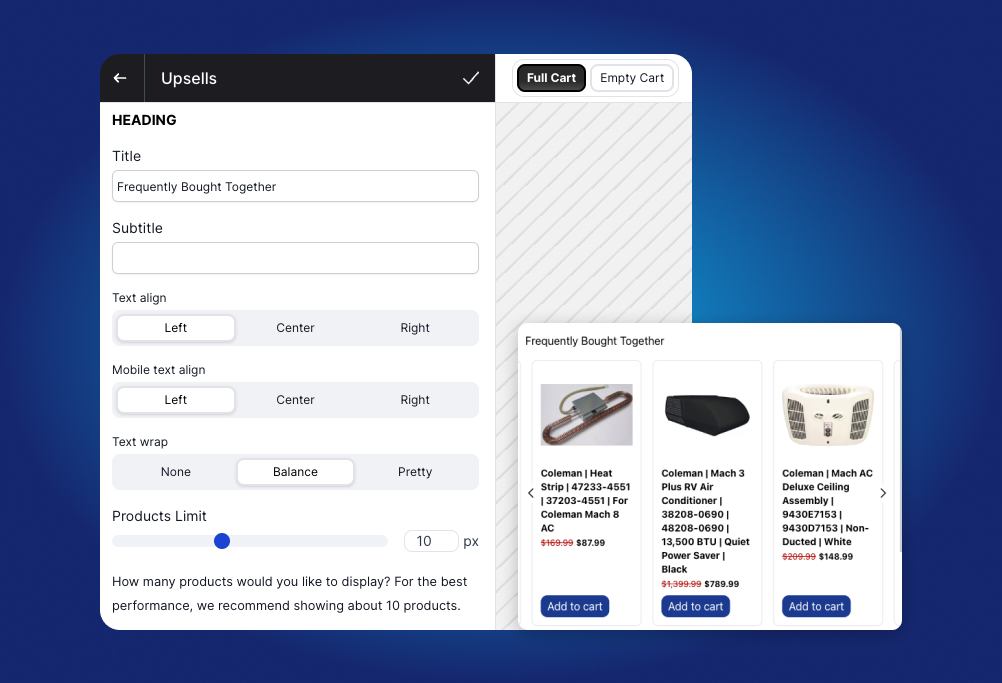
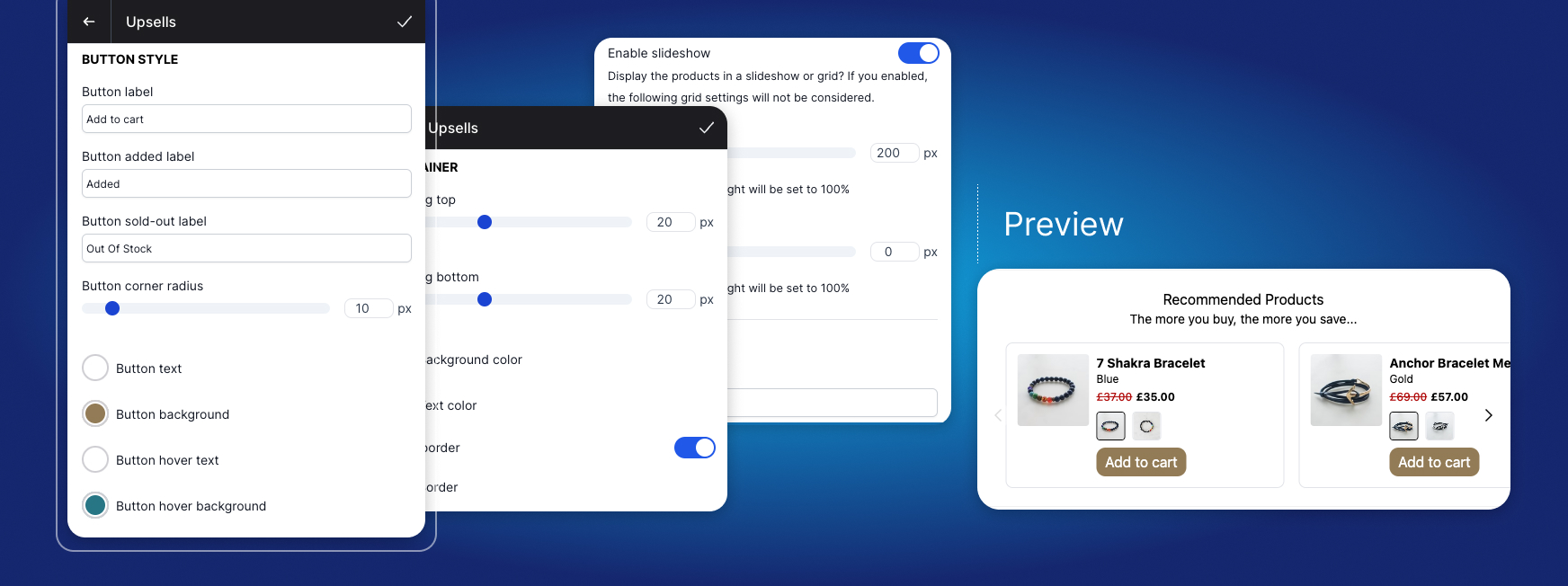
Supercart allows you to customize the visual presentation to match your theme:
- Carousel Slider vs. Vertical Stack: Choose a swipeable horizontal carousel for stores with 4–6 upsell items, or a clean vertical stack for 1–2 featured products.
- 1-Click Variant Selector: If your upsell product has multiple sizes or colors, Supercart displays an inline dropdown right on the card so shoppers can pick their option without visiting a product page.
- Compare-at Pricing & Savings Badges: Highlight strike-through prices (e.g.,
~~$28.00~~ $19.00 - Save 32%) to trigger instant value recognition. - Product Limits: We recommend limiting visible upsells to 2 to 3 items on mobile screens to keep the checkout button prominently visible above the fold.
3. Pairing Upsells with Cart Rules
To achieve maximum conversion, pair your upsell block with Supercart’s Cart Rules Engine:
- Rule: Subtotal Threshold: Only show the upsell card when the customer’s cart subtotal is between $40 and $75.
- Rule: Complementary Matching: If the cart contains a coffee maker, show artisanal coffee beans. If the cart contains a fountain pen, show replacement ink cartridges.
- Rule: Suppress Existing Cart Items: Supercart automatically filters out products already present in the customer’s cart so shoppers are never shown duplicate recommendations.